An AI keyboard for the way you express yourself
Your words.
Understood.
TingKey brings voice, typing and translation into one keyboard. Reply to a message, put a thought into words, or talk across languages—with a little less effort.
Built around Traditional Chinese. Made for human connection.
I’ll be home a little late.
Save me a bowl of soup.
Every day, there is something to say
The thought is there.
Writing it down can be harder.
A work message waiting for a reply. A name that keeps coming out wrong. A few caring words for someone far from home.
These are the little moments TingKey is here for.
Speak as you think
Speak freely.
Write clearly.
You don’t have to compose a perfect sentence in your head. Pause, add a thought, change your mind. TingKey helps tidy the wording and punctuation while keeping what you mean.
Give it a read. Then make it a message.
Familiar words matter
Some names deserve to be remembered
Family names, work terms and your own expressions have a place in your personal dictionary. They give TingKey context for future text refinement. You can review, edit or clear them whenever you like.
Your language. A little closer to each other.
Different languages.
The same care.
Grandma is most at home in Hokkien. A friend far from home is most at ease in their own language. TingKey turns speech into text and helps translate it, giving care another way to be understood.
- Hokkien
- Indonesian
- Vietnamese
- Filipino
Speak in your own words, and take a moment to check the meaning. Recognition and translation vary with language, accent and recording conditions.
Try a sentence yourself我明仔載會來。
A simple “I’ll be there tomorrow” can mean so much.
Room for your own habits
Sometimes you speak.
Sometimes you simply type.
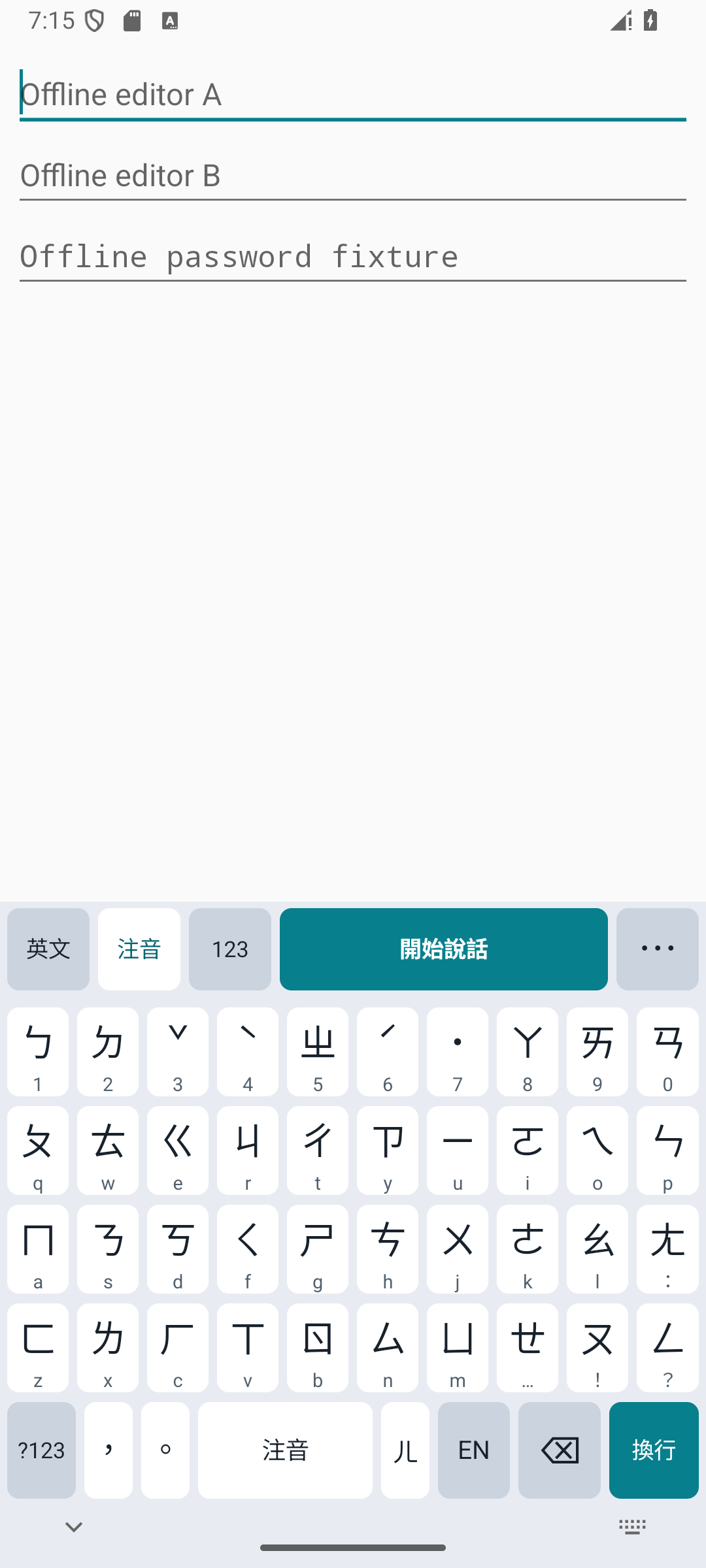
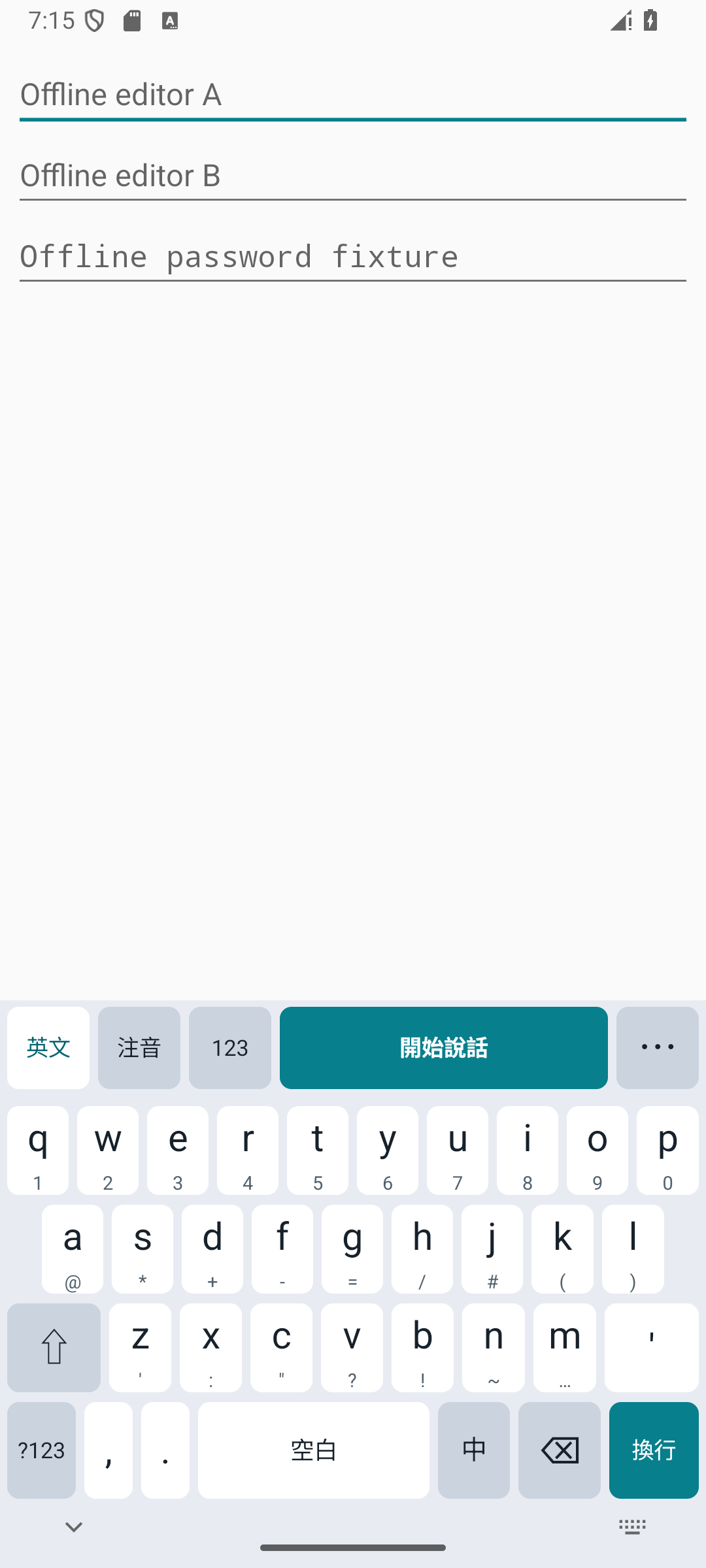
On a train, in a meeting, or when you want time to think. Familiar Zhuyin and English keys are right there, with context-aware suggestions and everyday symbols just a flick away.
Basic typing works offline. Take things at your own pace.
What we believe
Good technology
brings people closer.
The keyboard is where so many conversations begin. Starting with Traditional Chinese, we’re building TingKey for people who think out loud, people who prefer to type, and people reaching across languages.
So you can give more of your attention to what you want to say—and who you want to say it to.
Let’s talk about what comes next Product partnerships and investment conversationsIt starts with something you say
Go on.
Give TingKey a try.
A thought, a hello, or something that happened today. Start recording, stop when you’re done, and see your words become text.
Try short-form speech recognition here. Text refinement, your personal dictionary and translation are available in the app. Recordings are processed by TingKey’s service and deleted after at most one hour. Please leave out passwords and sensitive information.
Your words will appear here after you stop recording.
Try saying: “We have a meeting at three tomorrow. Remember to bring the new designs.”
Ready when you are. Start recording.
Make it part of your day
Your next message.
With a little help from TingKey.
Find a more natural way to express yourself in the chats, notes and work you already do. The Android public test version is available to download.
Versions and release notesWhenever you’re readyDownload directly. No sign-in needed.
Download for Android Alternative downloadFirst time? See how to get started
Getting ready
Follow along.
Make yourself at home.
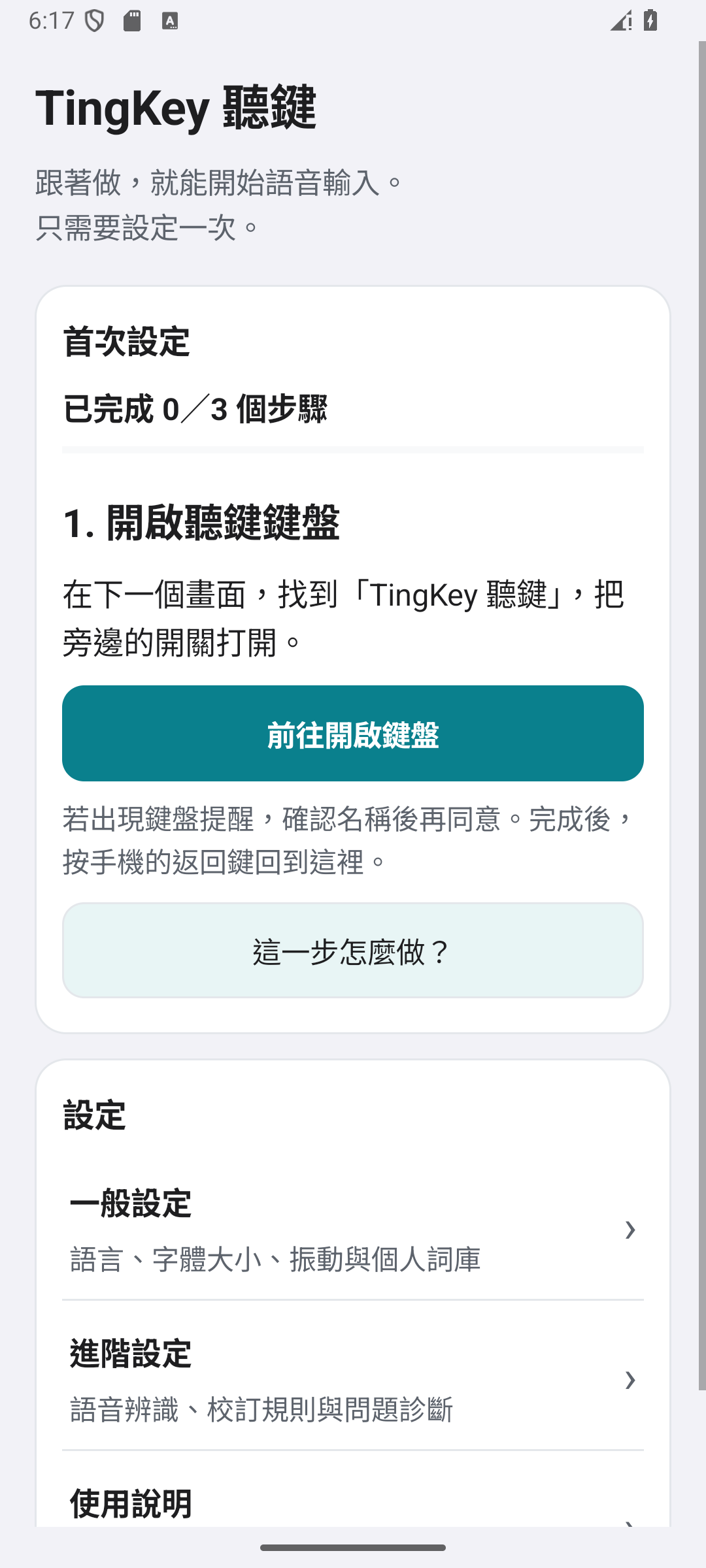
When you open the app, TingKey guides you through keyboard and microphone setup. You can also preview the steps below.
Enable the TingKey keyboard
Tap the button to open keyboard settings (“前往開啟鍵盤”). Find “TingKey 聽鍵” in your phone’s keyboard list, turn it on, then return to the app.
Follow the prompts in the app, and you’re ready to try TingKey.
A few things you might wonder
Feel at home.
Know what to expect.
Where do my recordings and text go?
Voice input is processed and refined by TingKey’s self-hosted service. Received recordings and results are held for at most one hour before deletion. Your personal dictionary stays on your phone; when AI dictionary review is enabled, eligible snippets or corrections are sent for analysis. You can turn that review off in settings. Basic typing works offline.
Can I use it in my everyday apps?
Set TingKey as your Android keyboard to use it in text fields that support the system keyboard. Context and post-dictation translation depend on the text access each app provides, so behavior can vary.
Is TingKey available for iPhone?
The public version is currently available for Android. The iPhone version is still in development and testing. Follow the release notes or get in touch to hear about what comes next.